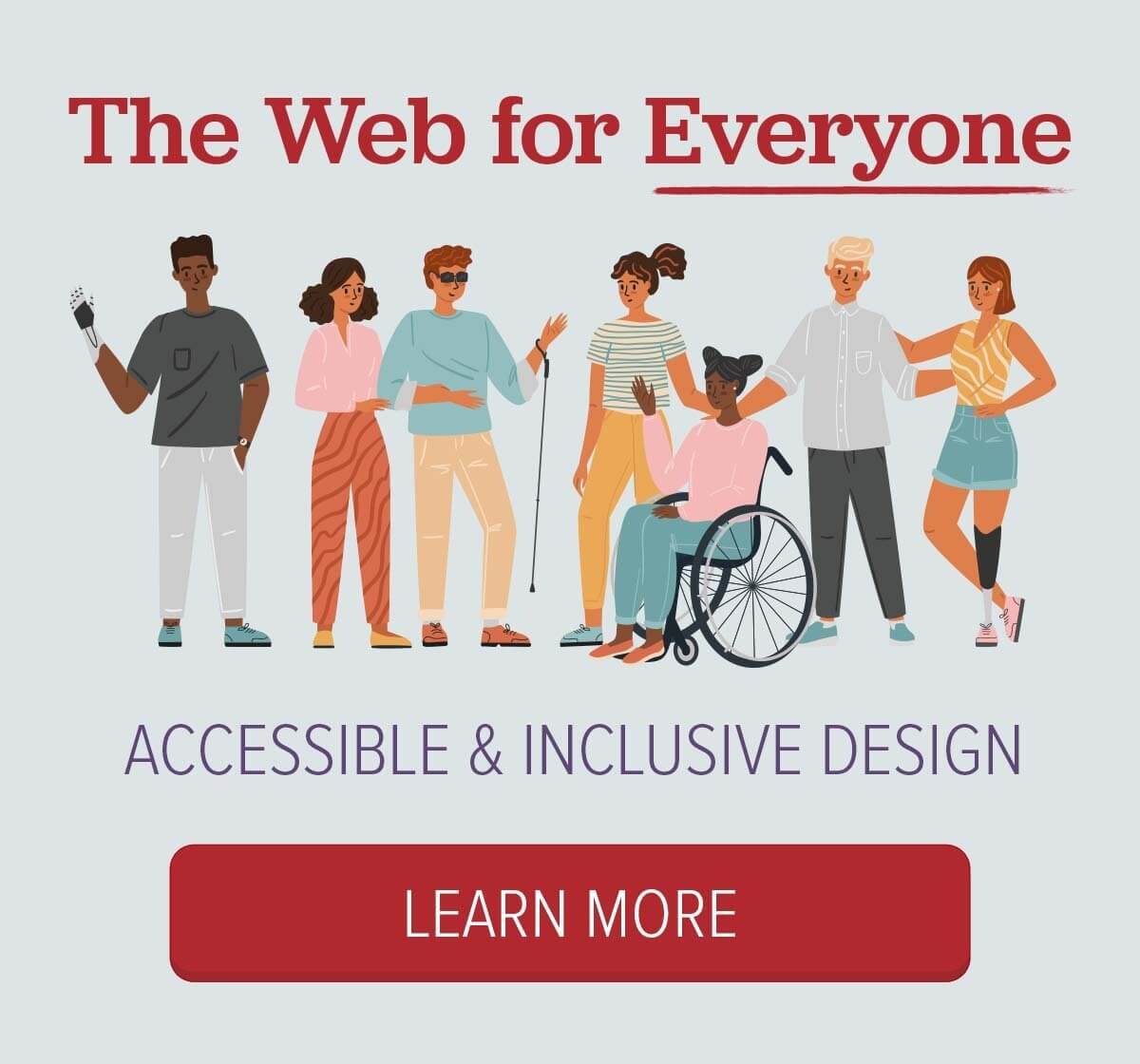
Website Accessibility – What You Need to Know
At ArcStone, accessibility isn’t just a box to check—it’s a fundamental part of our approach to our work.
Our commitment to accessibility began in earnest in 2017, when we hosted an in-person event dedicated to building a more inclusive internet. One of the most powerful moments came during a panel discussion featuring a visually impaired user, Jessie, who demonstrated how she navigates the web using a screenreader. That experience left a lasting impression on me and our entire team.
It marked a turning point. From then on, we made accessibility a priority, incorporating inclusive practices into our design and development workflows. A few years later, we took a major leap forward when we were awarded a project with strict WCAG compliance requirements. This challenged us to formalize and refine our processes, putting accessibility at the heart of everything we built.
Then, just last fall, we worked on another project that pushed us to grow again. This time, the client’s team included people living with disabilities who were actively testing the site—clicking, exploring, and providing feedback. It was rigorous, real-world testing, and it taught us more than any checklist ever could.
Through these projects, we’ve not only become experts in accessibility—we’ve also become keenly aware of the limitations of many accessibility tools. Some were clunky or ineffective, others claimed to solve problems but didn’t truly address the issues. That’s why we built our own.
We’ve learned that real accessibility requires a human-centered approach, constant learning and evolution, solid reliable tools, and collaboration with people who rely on these features every day. That’s the standard we hold ourselves to at ArcStone.
New to Accessibility? You’re in the Right Place.
In this white paper, we’ll walk you through why accessibility is essential, introduce you to the Web Content Accessibility Guidelines (WCAG), break down its core principles, and offer practical tips for implementing them in your web projects.
What Is WCAG?
WCAG stands for Web Content Accessibility Guidelines. It is a set of internationally recognized standards developed by the World Wide Web Consortium (W3C) to make web content more accessible to people with disabilities.
These guidelines help ensure that websites, apps, and digital tools are usable by everyone—including individuals with:
- Visual impairments (e.g., blindness, low vision, color blindness)
- Hearing impairments (e.g., age-related hearing loss, noise-inducing hearing loss, tinnitus)
- Motor disabilities (e.g., cerebral palsy, multiple sclerosis, arthritis)
- Cognitive and learning disabilities (e.g., dyslexia, ADHD, autism)
Core Principles: POUR
WCAG is built around four foundational principles. Content must be:
- Perceivable – Users must be able to perceive the information presented (e.g., text alternatives for images, captions for videos).
- Operable – Users must be able to interact with the interface (e.g., keyboard navigation, no time limits that are too short).
- Understandable – Content and interface must be clear and predictable (e.g., consistent navigation, simple language).
- Robust – Content must be compatible with current and future technologies, including assistive devices.
WCAG Versions and Levels
- WCAG 2.0, 2.1, and 2.2 are the most commonly referenced versions, with WCAG 2.2 being the latest as of 2024.
- Guidelines are organized into three levels of conformance:
- A – Basic accessibility requirements (minimum standard)
- AA – Addresses the biggest and most common barriers (commonly used as a legal benchmark)
- AAA – Highest level of accessibility (ideal, but not always achievable across all content)
- A – Basic accessibility requirements (minimum standard)
Why Website Accessibility Matters
Creating an accessible website is about more than compliance—it’s about building a better digital experience for everyone. Here’s why it matters across every aspect of design and development:
1. Inclusivity and Equal Access
Over a billion people worldwide live with some form of disability. Accessibility ensures that your website is usable by everyone, regardless of their abilities. From visual impairments to cognitive challenges, inclusive design removes barriers that exclude.
2. Legal and Ethical Responsibility
Accessibility is increasingly a legal requirement under laws like the Americans with Disabilities Act (ADA) and Section 508. Failing to meet standards like WCAG 2.2 AA can lead to lawsuits, lost funding, and reputational harm. But beyond compliance, it’s simply the right thing to do.
3. Improved User Experience for All
Accessible design benefits everyone. High contrast helps users in bright environments. Captions assist language learners and people in noisy places. Clear structure and error handling make sites easier and faster to use, even for users without disabilities.
This is especially important as users increasingly switch between devices. Accessible websites are designed to function smoothly across a wide variety of devices, screen sizes, and browser environments.
4. SEO and Performance Benefits
Achieving SEO wins is becoming increasingly difficult as AI Overviews, ads, and rich snippets dominate prime search result space. However, there’s a strong overlap between SEO and accessibility.
Many accessibility best practices—such as using semantic HTML, providing alt text, and organizing content with clear structure—not only improve site usability but also enhance SEO performance and ensure your site works well across all devices.
5. Stronger Brand Trust
A commitment to accessibility shows that your organization values thoughtfulness, inclusion, and social responsibility. It builds trust with your audience and sets you apart as a leader—not just in what you offer, but in how you treat people.
Placing a focus on accessibility also elevates your brand by setting a higher standard and promoting a culture of quality across your entire organization.
Web Accessibility Components Explained
Color Contrast and Visual Design
Color contrast refers to the difference in light between text (or foreground elements) and its background. High contrast makes text easier to read; low contrast can cause strain or inaccessibility.
WCAG standards:
- Normal text: Contrast ratio of at least 4.5:1
- Large text: Contrast ratio of 3:1
Keyboard Navigation
Keyboard navigation enables users to interact with a website using only their keyboard—without the need for a mouse. This functionality is crucial for individuals who are blind, have motor impairments, or rely on alternative input devices. Tools like screen readers depend on websites being fully navigable through keyboard-only inputs to ensure a seamless and accessible experience.
Key practices:
- All interactive elements should be keyboard-operable
- Focus indicators must be visible and intuitive
Alternative Text
Alt text provides written descriptions of images, read by screenreaders or shown when images fail to load. Alt text also helps search engines understand images, offer context and boost overall SEO too.
WCAG guidance:
- Informative images require descriptive alt attributes
- Decorative images should use alt=”” to be skipped by screenreaders
Screenreader Compatibility
Screenreader compatibility means ensuring your site works with technologies that convert content into speech or braille.
Best practices:
- Use semantic HTML tags
- Apply ARIA labels as needed
- Maintain logical tab order and focus
Captions and Transcripts for Multimedia
Captions and transcripts ensure multimedia content is accessible.
WCAG requirements:
- Synchronized captions for videos
- Text transcripts for audio-only content
Forms and Error Handling
Accessible forms are structured so all users can complete them confidently and accurately.
Key features:
- Descriptive labels
- Clear error messages
- Keyboard and screenreader support
Navigation and Structure
Clear, consistent structure helps users find content efficiently.
Best practices:
- Descriptive links
- Proper heading hierarchy
- Skip links to bypass repetitive content
Responsive, Mobile-Friendly Design
Responsive design ensures accessibility across devices and screen sizes.
Important considerations:
- Text readability without zoom
- Touch-friendly controls
- Avoid hover-only interactions
Error Prevention and Recovery
Users should be able to avoid, understand, and fix errors easily.
Key elements:
- Confirm before destructive actions
- Identify and explain errors clearly
- Allow corrections before submission
Clean, Semantic HTML
Semantic HTML improves both accessibility and maintainability.
Examples:
- <nav>, <main>, <label>, <button> used appropriately
- Clear structure improves screenreader and SEO performance
Top 5 Accessibility Tools for Websites

1. axe DevTools (Deque Systems)
Purpose: Automated accessibility testing for web applications.
Key Features:
- Automated Issue Detection: Quickly identifies WCAG violations in code.
- Browser Extensions: Available for Chrome and Firefox; integrates directly with DevTools.
- Issue Severity Labels: Categorizes issues by impact level (critical, serious, moderate, minor).
- Guidance & Fix Suggestions: Offers remediation help with documentation and code examples.
Integration Ready: Can be integrated into CI/CD pipelines and development environments (via axe-core). - No False Positives: Designed to minimize noise with accurate and actionable results.
Best for: Developers and QA teams
Type: Browser extension and enterprise tools
deque.com/axe
2. Lighthouse (by Google)
Purpose: Open-source auditing tool for performance, accessibility, SEO, and best practices.
Key Features:
- Accessibility Scoring: Audits against WCAG standards and provides an accessibility score (0–100).
- Actionable Insights: Lists issues with explanations and links to documentation.
- Multiple Audits: Also checks performance, SEO, and PWA compliance—useful for holistic site health.
- DevTools Integration: Built directly into Chrome DevTools (no extension needed).
- Customizable Reports: Reports can be exported and customized for different audiences.
Best for: Performance + accessibility audits
Type: Chrome DevTools audit tab
Use via: Chrome DevTools > “Lighthouse” tab
3. Insi (by ArcStone)
Purpose: Cloud-based accessibility scanner within the WordPress environment.
Key Features:
- Visual Issue Identification: Quickly identifies WCAG violations, shows where they appear in your webpages and accurately evaluates contrast issues.
- WordPress Ecosystem: A cloud-based accessibility scanning engine seamlessly integrated within the WordPress environment for convenient in-dashboard testing and monitoring.
- Issue Severity Labels: Categorizes issues by impact level (critical, minor, and potential).
- Guidance & Fix Suggestions: Offers remediation help with documentation and code examples.
Best for: Project managers, website teams, designers, and Content-heavy WordPress sites
Type: Cloud Based Accessibility Scanning Engine with Native WordPress Plugin
inishub.com
4. WAVE (Web Accessibility Evaluation Tool)
Purpose: Visual accessibility evaluation tool developed by WebAIM.
Key Features:
- In-Browser Visual Feedback: Highlights issues directly on the webpage with icons and indicators.
- Comprehensive Analysis: Checks for alt text, color contrast, structural elements, and more.
- Error, Alert, and Feature Indicators: Categorizes issues to prioritize remediation.
- Chrome & Firefox Extensions: Allows offline testing and testing of password-protected or dynamic content.
- API Access: Supports automated bulk testing of pages.
Best for: Designers, content creators
Type: Browser extension / online tool
wave.webaim.org
5. ANDI (Accessible Name & Description Inspector)
Purpose: Bookmarklet tool from the U.S. Social Security Administration for inspecting accessible names and descriptions.
Key Features:
- Element Focus: Highlights elements one at a time with accessible name, role, and value.
- Accessible Info Panel: Displays what assistive technologies will announce.
- Color Contrast Analyzer: Built-in testing for text contrast.
- ARIA & HTML5 Support: Inspects both native and ARIA attributes.
- Privacy-Focused: Runs entirely in-browser; no data sent to servers.
Best for: Developers, project managers
Type: Browser extension / online tool
www.ssa.gov/accessibility/andi/help/install.html
6. Colour Contrast Analyzer (CCA)
Purpose: Tests color contrast ratios to ensure readability for users with visual impairments.
Key Features:
- WCAG Compliance Check: Measures against AA and AAA standards for normal and large text.
- Eyedropper Tool: Allows sampling of colors from anywhere on the screen.
- Simulated Vision Deficiencies: Offers previews for different types of color blindness.
- Cross-Platform: Available for Windows and macOS.
- Transparency Handling: Can handle semi-transparent backgrounds and layers.
Best for: Designers
Type: Downloadable in Mac and Windows
www.tpgi.com/color-contrast-checker/
7. NVDA (NonVisual Desktop Access)
Purpose: Free screen reader for Windows developed by NV Access.
Key Features:
- Speech Output: Reads content aloud using synthetic voice.
- Braille Display Support: Compatible with many refreshable braille devices.
- Keyboard Shortcuts: Offers extensive keyboard navigation support for web, apps, and documents.
- Real-World Testing: Essential for testing how screen reader users interact with websites.
- Active Development & Community: Frequently updated and widely adopted by blind users worldwide.
- Free & Open Source: Unlike commercial screen readers (e.g., JAWS), NVDA is freely available.
Best for: Testing screenreader experience (Windows)
Type: Free screenreader software
nvaccess.org
How ArcStone Can Help
At ArcStone, accessibility is baked into our design process. From brand refreshes to full site redesigns, we ensure that every project meets high standards of usability and inclusivity. If you’re ready to make your website more accessible to all—and beautiful while doing it—we’d love to help.
Let’s build a better web, together.
Schedule a meeting with ArcStone to get started!