
What Is WCAG? A Plain-Language Guide for Nonprofit and Government Organizations
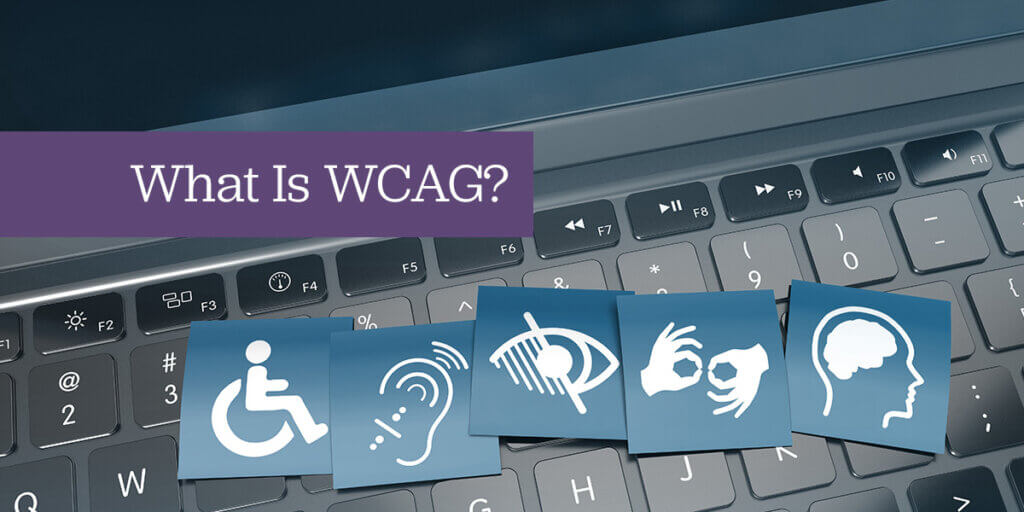
If you have heard that your website needs to be “WCAG compliant” and have no idea what that means, you are not alone. WCAG is the standard behind most web accessibility laws in the United States, but the name alone tells you almost nothing about what it actually requires.
Here is the plain-language version.
What WCAG Stands For
WCAG stands for Web Content Accessibility Guidelines. It is a set of technical guidelines published by the W3C, the international organization that sets web standards. The guidelines describe how to make websites and digital content usable by people with disabilities, including people who are blind or have low vision, people who are deaf or hard of hearing, people with motor disabilities who cannot use a mouse, and people with cognitive disabilities that affect reading or navigation.
WCAG is not a law. It is a technical framework that accessibility laws reference as their standard. When a law says a website must be accessible, WCAG is typically what “accessible” means in practice.
The Four Principles
WCAG is organized around four principles, spelled out as POUR:
Perceivable means users can perceive all content, even if they cannot use one of their senses. The most common example: every image on your website that conveys meaning needs a text description (alt text) so a screen reader can describe it to someone who cannot see it.
Operable means users can navigate and interact with everything on the site without a mouse. Someone who uses only a keyboard, a switch device, or a screen reader must be able to reach every link, fill out every form, and use every interactive feature.
Understandable means content is written clearly and interfaces behave predictably. Error messages tell users what went wrong and how to fix it. Navigation works the same way on every page. Reading level is appropriate for the intended audience.
Robust means content works reliably with current and future assistive technology. Screen readers, voice control software, and other tools can interpret the content correctly.
The Three Levels
WCAG has three conformance levels:
Level A is the minimum. It catches the most severe barriers but leaves many common issues unaddressed.
Level AA is the standard. It is what virtually every U.S. accessibility law requires, and it is what ArcStone builds to on every project.
Level AAA is enhanced. It is aspirational and not required by any U.S. law, though some criteria are worth addressing when feasible.
When someone says a website needs to be “WCAG 2.1 AA compliant,” they mean the site meets the Level AA criteria of WCAG version 2.1. WCAG 2.2, published in 2023, is the current version and adds nine new criteria. Building to 2.2 AA automatically satisfies 2.1 AA.
A Concrete Example
Here is what WCAG 2.1 AA looks like in practice for one common issue: color contrast.
WCAG requires that text have a contrast ratio of at least 4.5:1 against its background. Light gray text on a white background typically fails this test. So does white text on a light-colored button. These failures are not obvious to someone with normal vision, but they make text unreadable for people with low vision or color blindness.
Fixing a contrast failure is usually straightforward: darken the text, darken the background, or change the color. But it requires knowing the failure exists, which is why testing matters.
Why WCAG Matters for Your Organization
Three reasons your organization should care about WCAG:
The legal one: ADA Title II requires WCAG 2.1 AA for government websites. ADA Title III and HHS Section 504 create similar obligations for nonprofits and healthcare organizations receiving federal funding. Non-compliance carries real legal risk.
The mission one: Roughly one in four American adults has a disability. An inaccessible website excludes a meaningful portion of the community your organization exists to serve.
The practical one: Accessible websites are better websites. They load faster, rank better in search engines, and work better on mobile devices. WCAG compliance and good web design are not in conflict.
Frequently Asked Questions
ArcStone builds WCAG 2.2 AA compliant WordPress websites and offers accessibility audits through our Insi monitoring platform. Contact us to learn where your site currently stands.